
Choosing the right camera is one of the most important decisions for anyone starting or growing a YouTube channel. Whether you create vlogs, tutorials, tech reviews, beauty content, fitness videos, gaming commentary, or cinematic films, the camera you choose shapes your video quality, workflow, and overall production value.
This comprehensive guide covers everything you need to know about camera requirements for YouTubers, from beginner to professional level. We’ll explore different types of cameras, essential specs, recommended gear, shooting environments, and practical tips based on real YouTube workflows.
1. Why the Right Camera Matters for YouTube Creators
Your camera affects:
- Video quality (sharpness, colors, dynamic range)
- Low-light performance
- Autofocus reliability
- Portability and flexibility for different shooting styles
- How “professional” your content looks
- Editing workflow
- Audience perception and engagement
A good camera does not make you a great creator, but the right camera helps bring your creative vision to life.
2. Types of Cameras Used by YouTube Creators


Before discussing specific requirements, let’s look at the different camera categories popular among YouTubers.
2.1 Mirrorless Cameras (Most Popular Among YouTubers)
Mirrorless systems like the Sony, Canon, and Panasonic lines are extremely popular because they offer:
- Compact size
- Excellent autofocus
- High-quality 4K footage
- Interchangeable lenses
- Great low-light ability
Best for: vlogs, cinematic videos, tutorials, product reviews, travel, lifestyle.
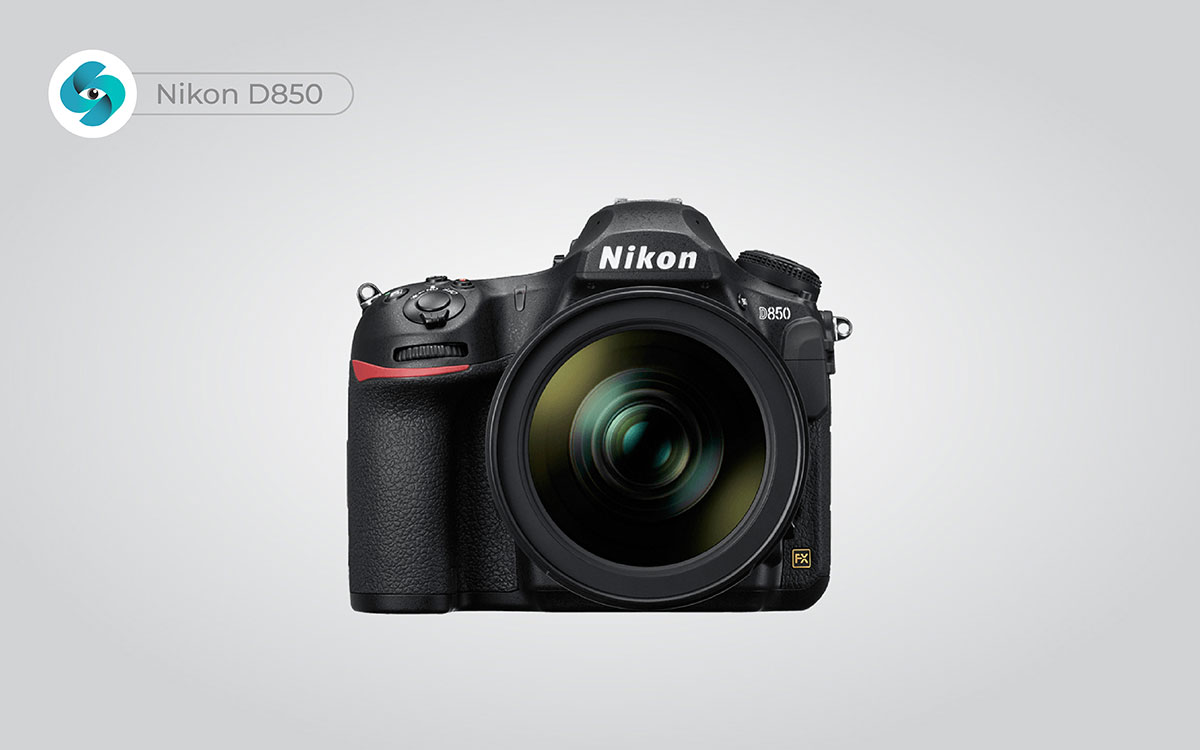
2.2 DSLR Cameras
DSLRs were once the kings of YouTube. They remain popular among budget-conscious creators.
Pros:
- Affordable
- Strong battery life
- Good photo performance
Cons:
- Heavy
- Older autofocus systems
- Bulky for travel vloggers
Best for: studio setups, talking-head videos, educational videos.
2.3 Compact / Point-and-Shoot Cameras
These small cameras are lightweight, easy to use, and popular among new vloggers.
Pros:
- Pocket-sized
- Excellent autofocus (especially Sony compact cameras)
- Good stabilization
Cons:
- Fixed lens
- Smaller sensors
Best for: daily vlogging, travel, casual content.
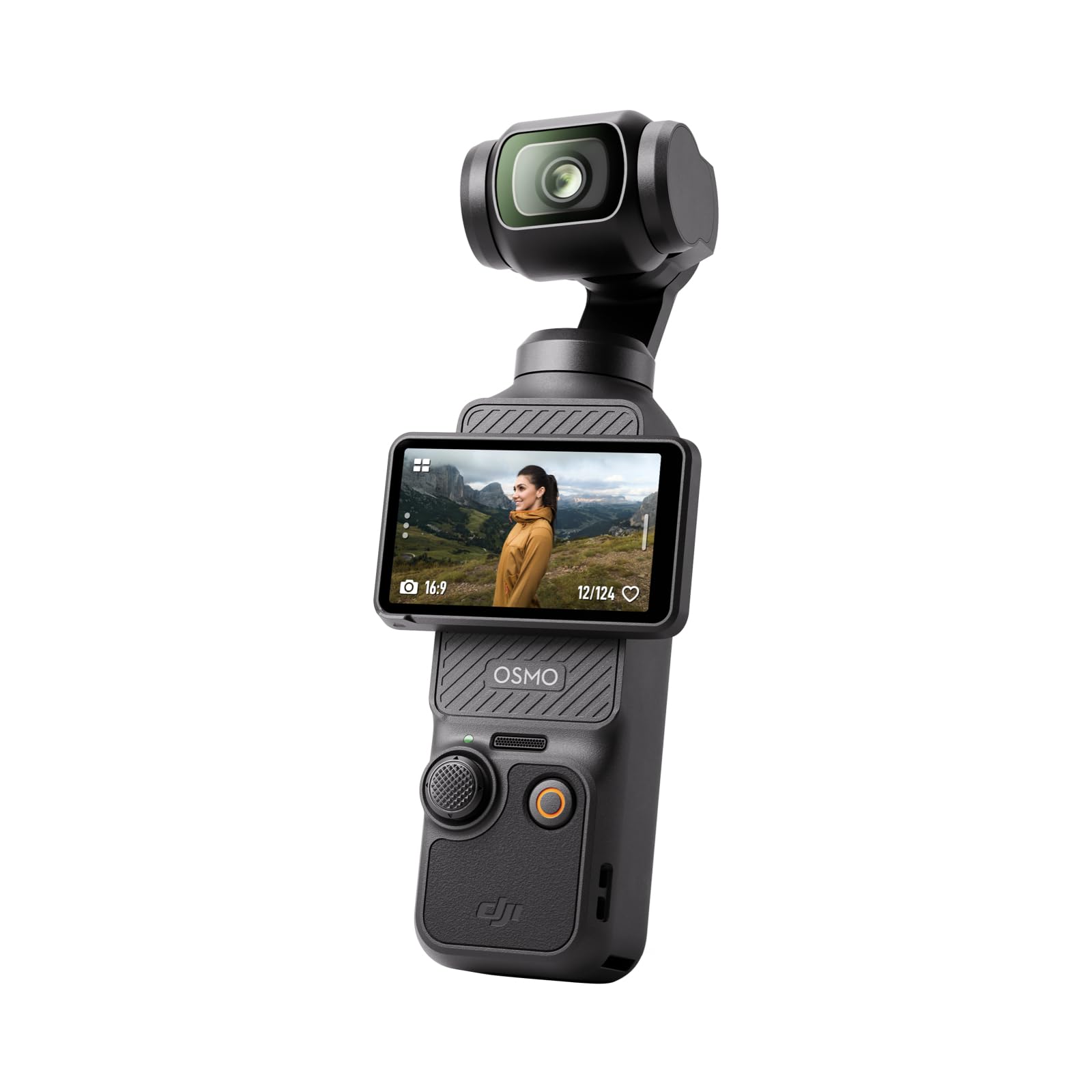
2.4 Action Cameras
Small, rugged, and versatile—action cameras like GoPro are excellent for creators who need durability and wide-angle shots.
Best for: sports, travel, adventure, motorcycle or cycling vloggers.
2.5 Smartphones
Today’s flagship smartphones shoot excellent video. Many creators on YouTube started—and still succeed—using phones.
Best for: beginners, budget creators, spontaneous filming.
2.6 Cinema Cameras
High-end cameras designed for filmmakers and premium channels.
Pros:
- Exceptional dynamic range
- RAW video
- Interchangeable lens flexibility
- Most cinematic results
Cons:
- Expensive
- Heavy
- Complex workflow
Best for: filmmaking channels, commercials, luxury content.
3. Camera Specifications That Matter for YouTube
What should you actually look for when choosing a camera?
Let’s break it down.
3.1 Resolution (1080p vs 4K vs 6K/8K)
1080p – minimum standard, still widely used
4K – the new normal for modern channels
6K/8K – for professional cinematic creators
Recommendation:
Choose 4K-capable cameras at minimum. Even if you export in 1080p, 4K gives better clarity and editing flexibility.
3.2 Sensor Size: Full-Frame vs APS-C vs Micro Four Thirds
Larger sensors offer better:
- Low-light performance
- Depth of field (background blur)
- Dynamic range
Full-Frame Sensors
Best image quality, popular among pros.
APS-C Sensors
Great balance of price and performance.
Micro Four Thirds (MFT)
Compact, stabilized systems, good for travel.
3.3 Autofocus Performance
One of the most critical features for YouTubers.
Look for:
- Eye autofocus
- Face tracking
- Real-time subject tracking
- Reliable continuous AF
Creators often choose mirrorless systems because of industry-leading autofocus performance.
3.4 Stabilization (IBIS + Lens OIS)
If you film handheld or vlog, stabilization matters.
Types:
- IBIS (In-body image stabilization)
- OIS (Optical stabilization in lenses)
- Electronic stabilization
If you walk while filming—choose a camera with IBIS.
3.5 Frame Rates: 24fps, 30fps, 60fps, 120fps
Higher frame rates allow slow motion.
Creators commonly use:
- 24fps → cinematic
- 30fps → YouTube standard
- 60fps → smooth movement
- 120fps or higher → slow motion effects
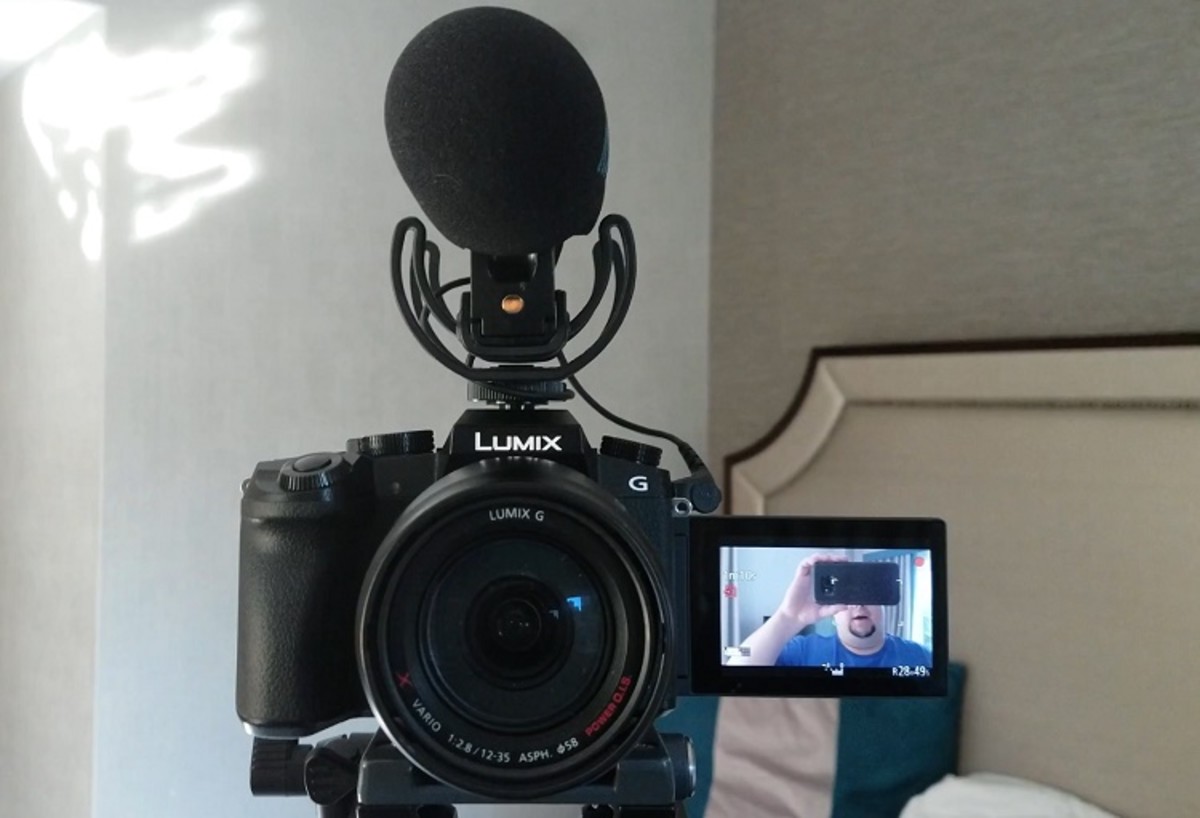
3.6 Flip Screen / Articulating Screen
Essential for vloggers or solo creators to monitor the shot.
3.7 Audio Inputs
Good audio is more important than video quality.
Look for:
- 3.5mm microphone jack
- Support for external microphones
- Optional XLR modules (for cinema grade audio)
3.8 Battery Life & Overheating Prevention
Some cameras overheat during long 4K recording.
Choose models known for stable performance.
4. Camera Recommendations by YouTube Creator Type


Below are general category recommendations (not endorsements, just examples for understanding).
4.1 For Vloggers
What you need:
- Light body
- Great autofocus
- Stabilization
- Flip screen
Most vloggers prefer compact or mirrorless systems with reliable face tracking.
4.2 For Tech/Product Reviewers
What you need:
- Sharp 4K footage
- Great color
- Ability to show close-up product shots
- Good low-light performance
APS-C and full-frame cameras excel here.
4.3 For Beauty & Makeup YouTubers
What you need:
- Accurate colors
- Sharp detail
- Clean skin tones
- Flip screen
- Reliable autofocus
Full-frame cameras with good portrait lenses are ideal.
4.4 For Cooking Channels
What you need:
- Multiple angles
- Top-down shots
- Good autofocus
- Clean 4K
Often creators use two cameras: one for headshots and one for overhead shots.
4.5 For Travel Creators
What you need:
- Portability
- Stabilization
- Weather resistance
- Long battery life
Perfect candidates: action cams + lightweight mirrorless.
4.6 For Gaming/Streamer Channels
What you need:
- High-quality face cam
- Good low-light performance
- Clean HDMI output
You might not require an expensive camera; webcams and APS-C cameras work great.
4.7 For Filmmaking/Cinematic Channels
What you need:
- Wide dynamic range
- RAW video
- Professional codecs
- Interchangeable lenses
Cinema cameras become necessary at this level.
5. Essential Lenses for YouTube Creators
Cameras matter—but lenses matter even more.
Types of useful lenses:
- Wide-angle lens (10–24mm) → vlogging
- Standard zoom (24–70mm) → all-purpose
- Prime lens (35mm, 50mm) → talking head shots
- Macro lens → product reviews
- Telephoto lens → outdoors, wildlife
A beginner-friendly kit lens works, but upgrading lenses drastically boosts your video quality.
6. Camera Setup Based on Budget

Let’s explore budget-focused setups, from beginner to professional.
6.1 Beginner Budget Setup ($0–$500)
Best options:
- Smartphone + tripod
- Compact camera
- Older DSLR models
- Affordable action cameras
Good for: beginners, students, hobby creators.
6.2 Intermediate Creator Setup ($500–$1,500)
Best options:
- APS-C mirrorless cameras
- Compact advanced cameras
- Entry-level full-frame options
Good for: vloggers, beauty creators, educators, tech reviewers.
6.3 Professional Creator Setup ($1,500–$5,000+)
Best options:
- Full-frame mirrorless systems
- Cinema cameras
- Multi-camera setups
Good for: filmmaking channels, commercial content creators.